 Vote4MATES
From the last end to the selectors' table
Here's a game day with Vote4MATES, and what players, side managers and club admins each do.
Five steps, mostly automatic
- Before the game
Teams are set up
The manager or club admin enters each team for the side and date: Lead, Second, Third and Skip.
- Automatically
A game PIN is made
Every game gets a 4-digit PIN, shared by all of that side's teams on that date.
- After the game
Team score first
Each team enters its For and Against scores once. Won, lost or drawn is worked out for you.
- On the green
Everyone votes
Each player picks their name, rates every teammate 1 to 9 and submits.
- Afterwards
Reports are ready
The club admin checks results and downloads the reports for the selectors.
Voting as a player
Players never sign in or install anything. It works in the phone's browser, and can be added to the home screen like an app.
- 1
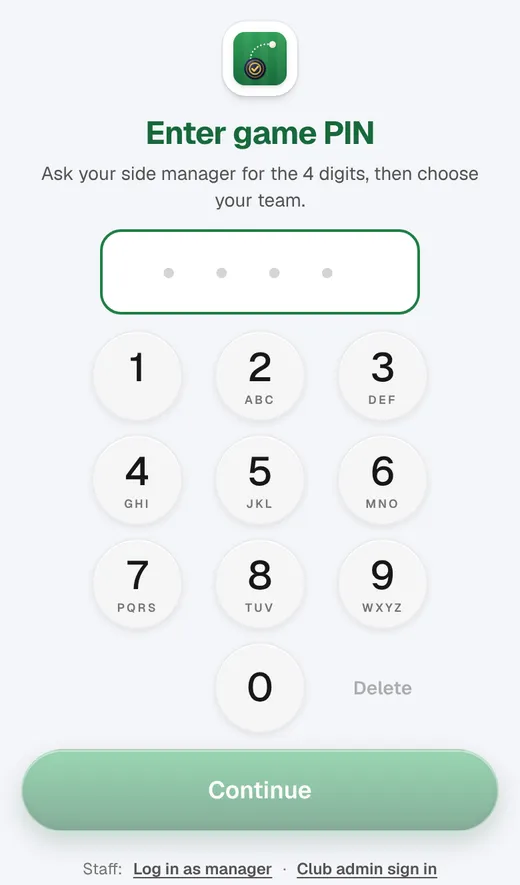
Enter the game PIN
Open the voting page (scan the QR poster in the clubhouse) and type the 4-digit PIN for your game.
- 2
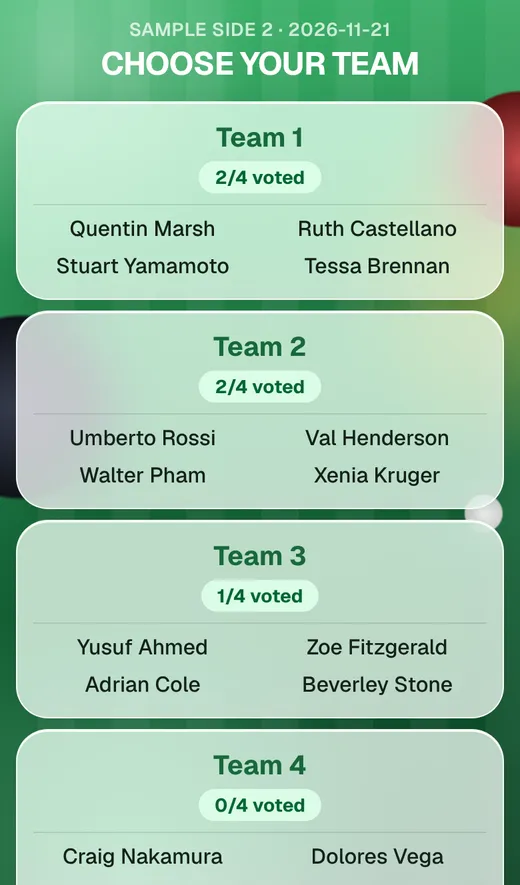
Choose your team
Pick your team and confirm. Only teams with 3 or 4 players present can be chosen.
- 3
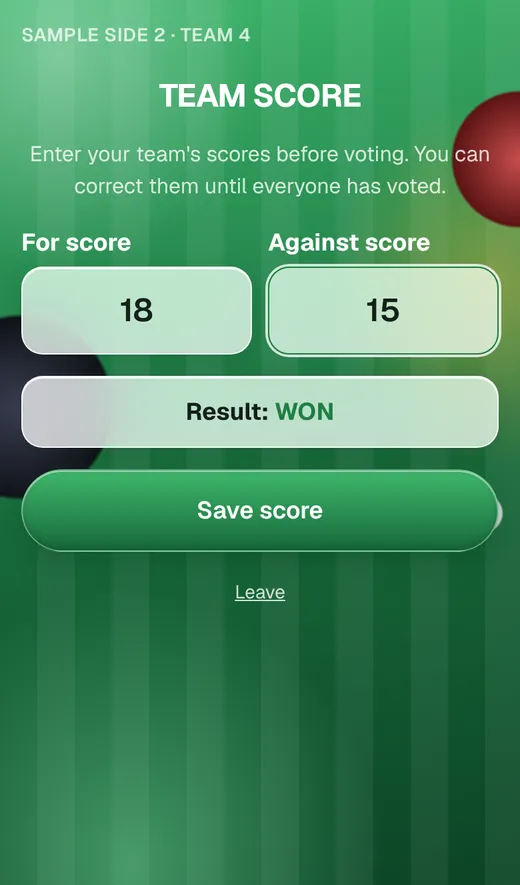
Team score, once
Whoever opens the team first enters the For and Against scores. It can be corrected until everyone has voted.
- 4
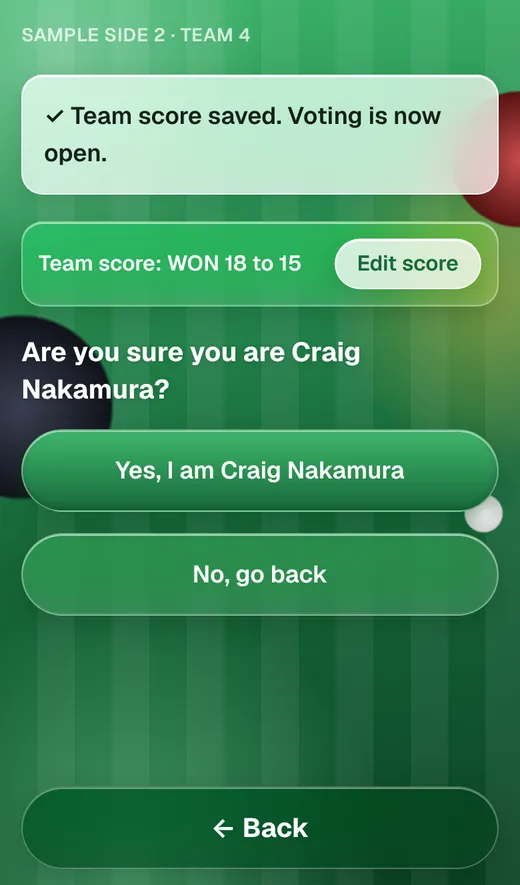
Choose your name
Pick your own name from the team list and confirm it's you. Names that have voted are ticked off.
- 5
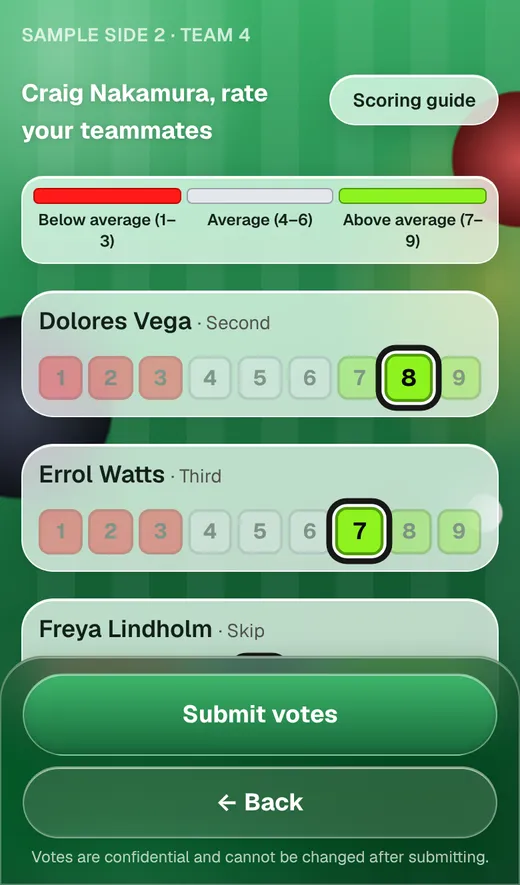
Rate your teammates
Score every teammate from 1 to 9. The buttons are colour-coded, and a scoring guide is one tap away.
- 6
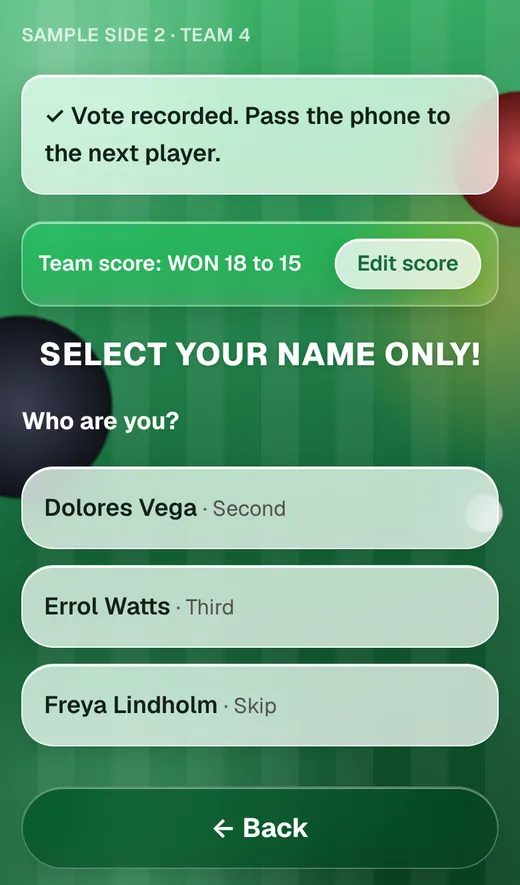
Submit and pass it on
Submit, and the phone is ready for the next player. A vote can't be changed once submitted.
The 1 to 9 scale
Score each teammate on how they played today.
Below average
Average
Above average
You can't rate yourself, and every teammate who played must get a score before you can submit.
Made to forgive mistakes
- Picked the wrong team or name? Tap Back. Nothing is saved until you submit.
- Walked off half-way? Your name comes straight back for the next try.
- Refresh or Back never shows anyone else's finished vote.
Manager Mode: game day on one phone
Side managers sign in to the voting app with their name or email and a password from their club admin, and stay signed in for 3 hours, long enough for a full game day.
- Add and edit teams for their own sides, with absent players marked
- See each game's PIN to read out to players
- Start voting for one team or the whole game
- Follow who has voted (✓) and who hasn't, live
- Correct a team score if it was entered wrongly
Managers never see anyone's scores, results or reports, and they can't sign in to the club app.
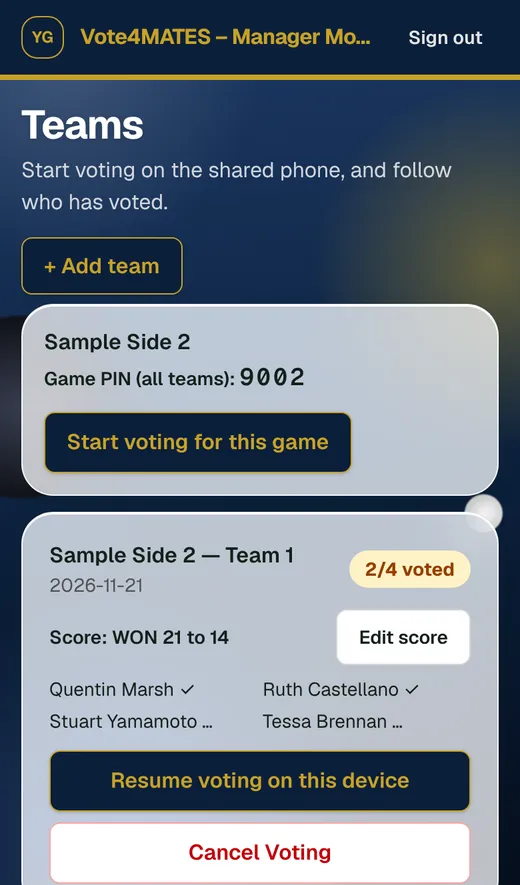
Three ways to run voting
Use whichever suits your club, or mix them on the same day.
One team on the manager's phone
Tap Start voting on a team and pass the phone round that team. No PIN needed.
The whole game on one phone
Tap Start voting for this game and pass the phone round. Players choose their own team.
Players' own phones
Read out the game PIN and everyone votes at once. A team opens for voting as soon as a player picks it.
Voting-only mode for a shared phone
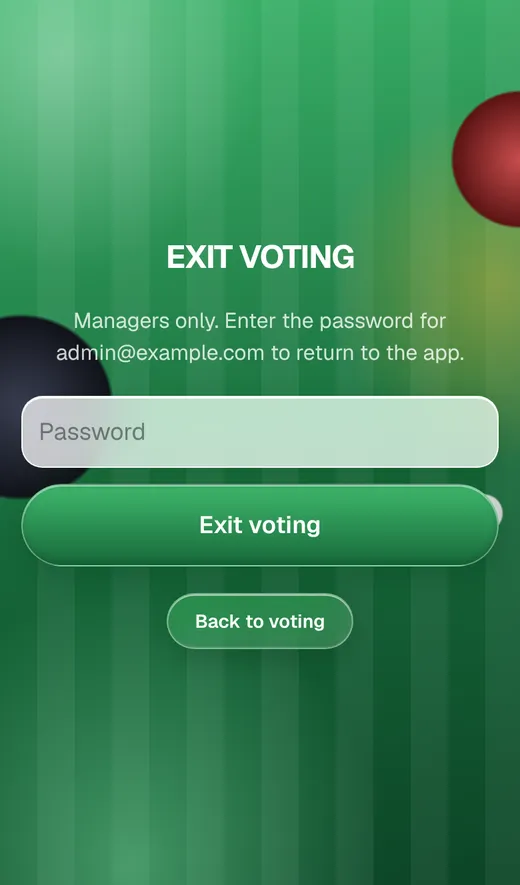
When a manager hands their phone over, it locks to the voting screens. Players can't reach Manager Mode or anything else, even with the phone's Back button.
When everyone's done, the manager taps Manager: exit voting and enters their password to get their phone back.
The club app
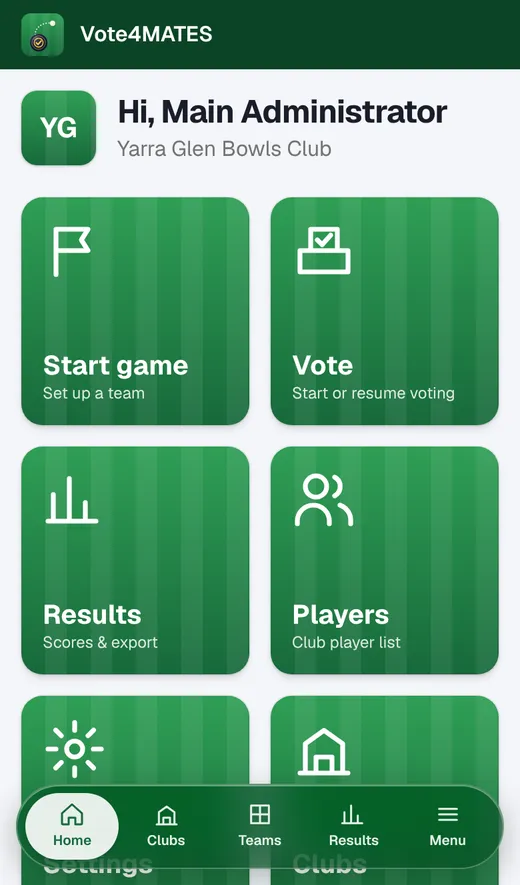
Club admins run Vote4MATES for their club from a phone or a computer, with a separate sign-in that times out after 15 minutes without use.
Sides & managers
Create sides, add managers (email optional) and reset a manager's password. Old sides are archived, never lost.
Players & import
Keep the club player list, and import lineups straight from your existing spreadsheet.
Teams
Every side and date on one board. A player can only be in one team per date, so double-booking can't happen.
Results & reports
See every vote, and download Daily Results, the Selectors Report and Season End Awards.
Player profiles
Each player's games, results and votes received, with dated notes for the selectors.
Recent activity
Every change by staff is logged: score edits, cancelled voting, exports, archives and more.
Voting rules at a glance
| Rule | Detail |
|---|---|
| Team | Lead, Second, Third and Skip, with at least 3 players present |
| Team score | For and Against, entered once before voting; the result is worked out from the scores |
| Who you rate | Every teammate present, except yourself |
| Scores | Whole numbers 1 to 9; every teammate must be scored |
| How often | One ballot per player per game, final once submitted |
| One team per date | A player can only be named in one team, of any side, on a given date |
| Editing a team | Until the first player picks their name |
| Game PIN | 4 digits, one per side per date, shared by all its teams |
| Cancel voting | Club admins only; removes that team's votes and is recorded |
Want to try it on your own game day?
Tell us about your club and we'll get you set up for the beta.